A small kitchen reset when you have ten minutes
Choose one useful kitchen surface, fit the work to your time, and finish with a clear stopping point. A practical manual reset, with photos optional.
A practical guide · Photos and AI optional
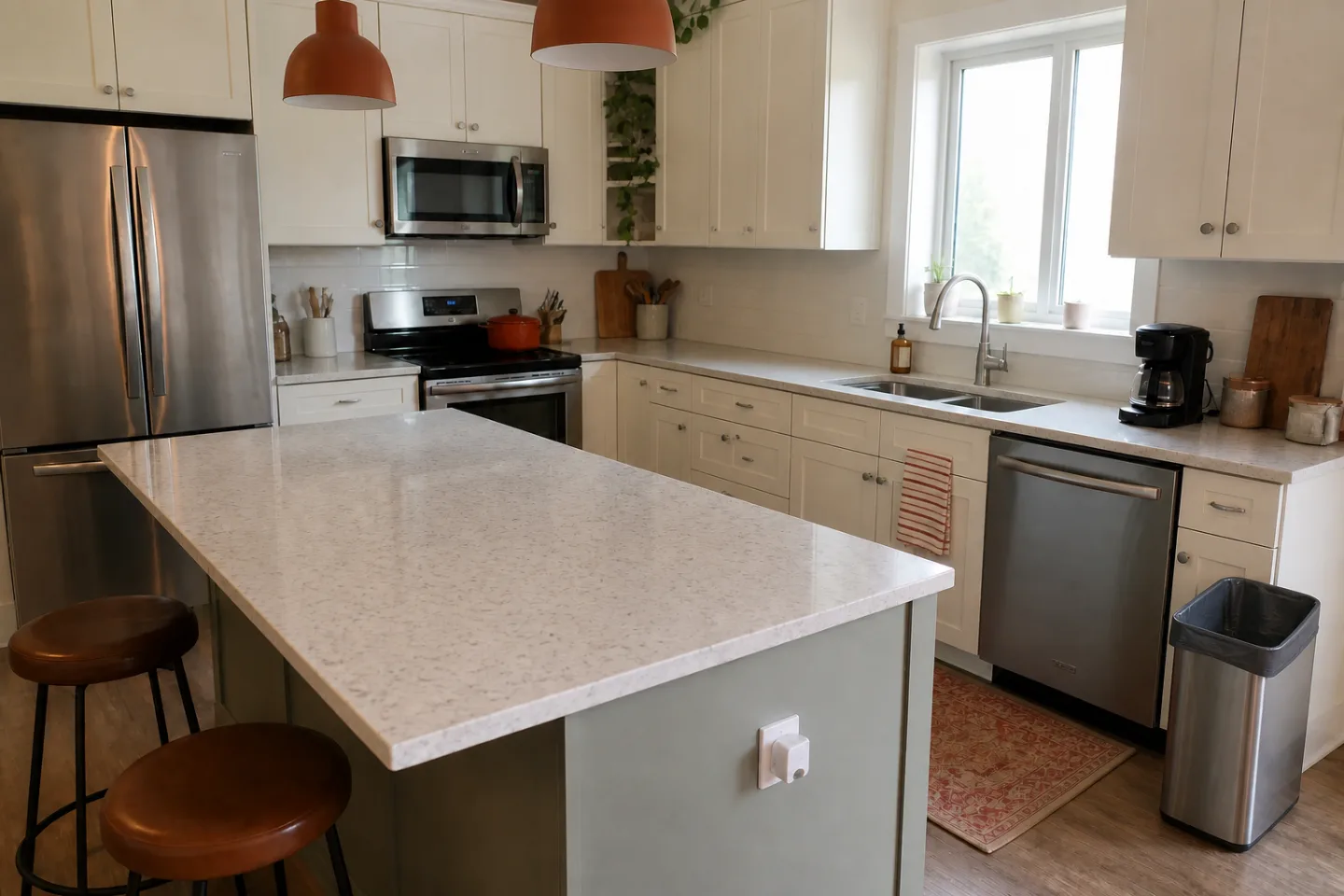
Choose a job for the space
Start by deciding what the surface needs to do. You might want enough counter space to prepare lunch, rather than an entirely clear kitchen. That gives you a specific finish line and keeps unrelated jobs from taking over.
In Tidy 20, choose Kitchen in Rooms and add a manual task with a recognizable name, such as Clear food-prep space. Free accounts can start with one room. You do not need a photo or an AI analysis to describe the task.
Separate the reset from the bigger clean
Notice the difference between moving yesterday’s belongings, washing dishes and deep-cleaning an appliance. Each can be worthwhile, but they are different jobs. If today’s purpose is preparing a snack, cleaning inside the oven can be a task for another time.
Choose two or three actions that serve the purpose you picked: move items that belong elsewhere, make room for the dishes you need to handle, and leave the chosen patch usable. Adjust the scope to what is actually present; an illustrative room is not your target.
Give the work a bounded block
Open Today and choose the time you have. Ten minutes is an example, not a promise about how long your kitchen should take. Follow the task in front of you and use a comfortable pace. Finish early when the space does its job.
If an item needs a decision you cannot make now, choose a deliberate temporary place that will not block the surface or a walkway. Keep that decision visible as a separate task. Moving an unresolved pile out of a photograph is not the same as giving its contents a home.
Stop and check the actual result
At the end of the block, ask whether the surface supports the next thing you wanted to do. If it does, you have a useful stopping point even if another counter is still busy. If it does not, reduce the next task or choose a later block rather than treating the whole reset as a failure.
Tidy 20 lets you finish a task early or end the reset. A note about what slowed you down can help later, but reflection can wait. Record what happened rather than assuming a completed timer means the room is perfectly tidy.
Make the next start smaller
If the same possessions return, look at their ordinary route through the kitchen. Is their usual destination close enough to use? Is it clear where they belong? Start with something you already own before buying a new organizer.
Try one small practical adjustment and notice whether putting things away becomes easier during normal use. You do not need to redesign the whole room after one reset. Keep the next task recognizable so your own timing can become more realistic over time.
Create one kitchen task, then choose a reset block that fits today.
Requesting beta access does not start a subscription. Invitations depend on availability.