Choose one spot
The toys on the floor. The kitchen island. Start with something that would make your room easier to use.
You don’t need to tackle the whole house. Tidy 20 helps you pick a useful task, give it the time you have, and stop at good enough.
Join a small group helping make everyday resets easier. Invited testers can try Household-scope features on their own account for a stated beta period, without a payment or subscription.
Want to start now? Try one room free on the web
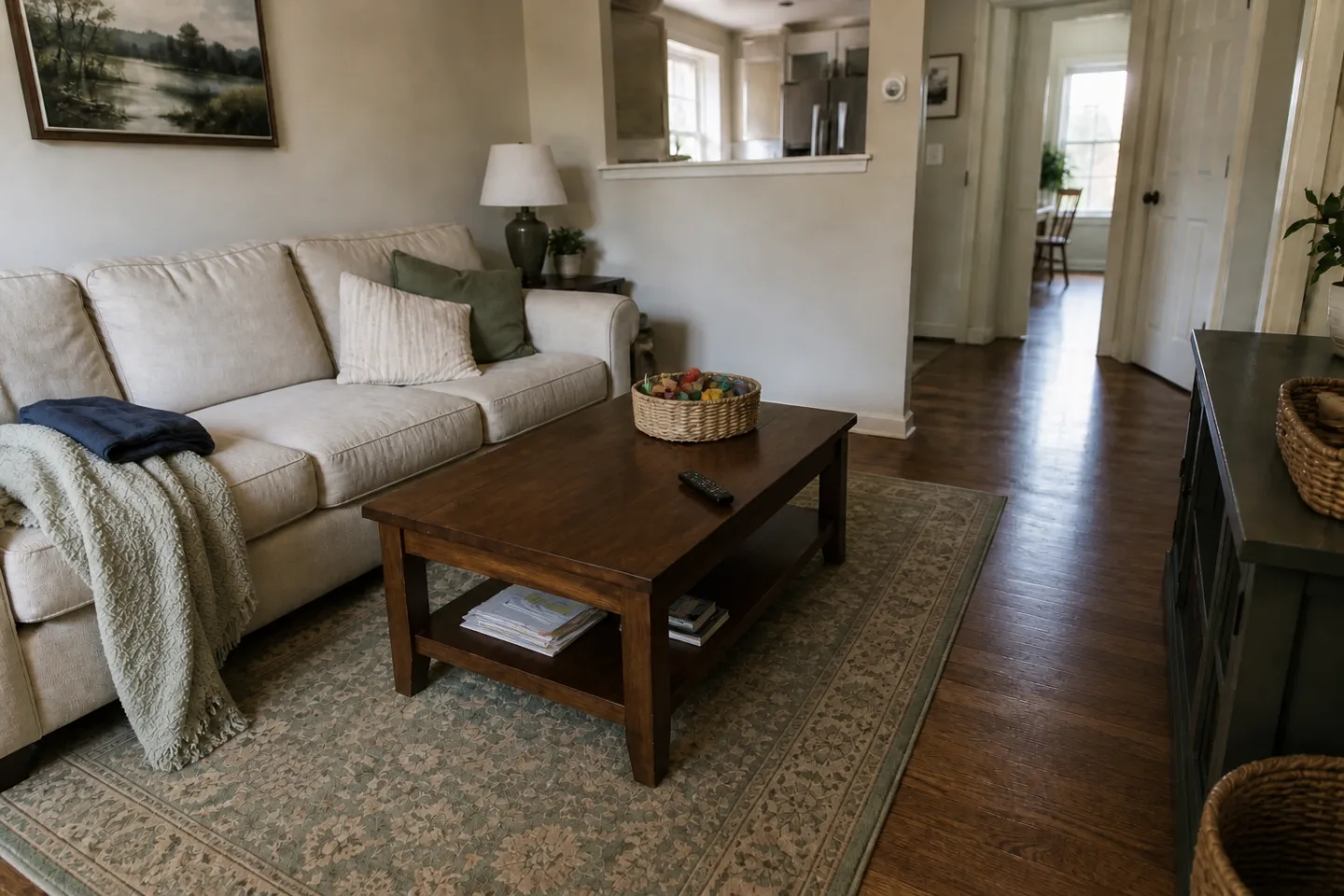 ROOM TO LIVE, NOT A SHOWROOM
A clearer path. A place to sit. The rest can wait.
Illustrative room image. Your home and your stopping point will be different.
The toys on the floor. The kitchen island. Start with something that would make your room easier to use.
Follow a short, guided reset at your own pace. Pause, finish a task early, or stop when you need to.
Notice your real timing and what got in the way. Use that experience to make the next reset a little easier.
Choose a room, review your own tasks, start the timer and pause when you need to.
Recorded in the Tidy 20 web app with a sample home. No customer photos or results. Captions are included; there is no spoken audio.
Confirm your email first. If you’re invited, create or sign into your own Tidy 20 account using that same email and claim your private beta code. Apple’s TestFlight invitation installs the iPhone app; the Tidy 20 code enables your time-limited beta features. We’ll guide you through both steps.
No. Requesting access or redeeming a private beta code does not create a subscription or charge you. Your invitation gives the actual end date. After the beta, you can continue with the Free plan or separately choose a paid plan.
Free includes one saved room, manual tasks, guided resets, history, and group tidy sprints. Household adds optional room-photo analysis, goal images and friction conversations within the published allowances. Additional Observe & learn coaching remains a separate private pilot.
Yes. Free group sprints let guests join by link or code and display name, without a shared subscription. A sprint doesn’t give access to anyone’s private household photos or saved tasks. Beta feature access is attached to the invited tester account.
Try a real reset, come back when it’s useful, and tell us what was easy or confusing. A public review or positive rating is never required. Please keep private room photos out of ordinary feedback emails.